
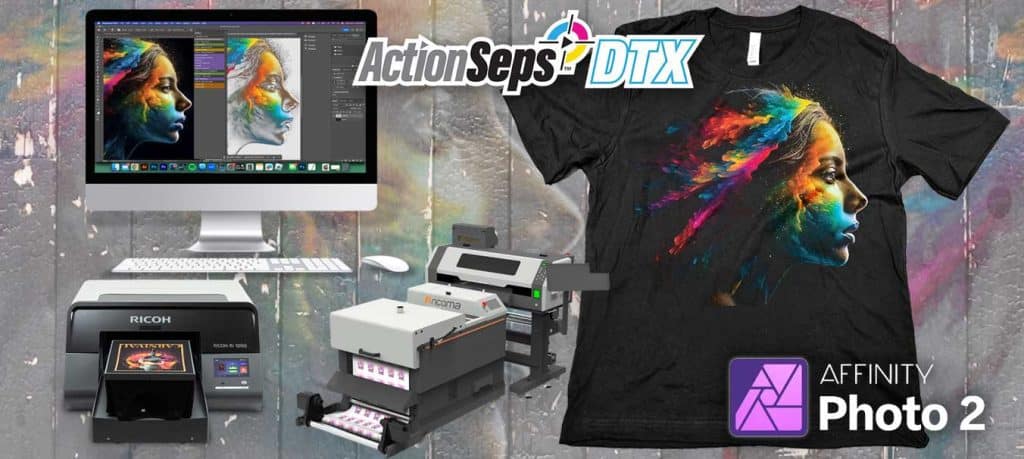
ActionSeps™ DTX Separation Plugin for Affinity Software eliminates white haze, transparency imperfections, and printing limitations. Separate full-color DTF & DTG art with the click of a button. Step-by-step walkthrough videos that teach how to separate full-color art on screen with ease.
You'll need the following items to use ActionSeps™:
- A computer
- Internet
- Affinity Photo2
Course Content
Getting Started with ActionSeps™
How to be Successful with ActionSeps™ DTX (Must Watch)
You don't currently have access to this content
Welcome & Joining the Community.
You don't currently have access to this content
How to Get Support.
You don't currently have access to this content
Module 1: Separating Full Color Art
Affinity is now FREE!
You don't currently have access to this content
Accessing Downloads and the Training.
You don't currently have access to this content
How to Install ActionSeps™ DTX.
You don't currently have access to this content
Affinity 3 by Canva Install Guide
You don't currently have access to this content
What are Halftones & DPI?
You don't currently have access to this content
Converting Your Image to CMYK.
You don't currently have access to this content
Sizing Your Image.
You don't currently have access to this content
Enhancing Your Art.
You don't currently have access to this content
Before You Start – Unlocking the Art Layer.
You don't currently have access to this content
Separating Art for Black Shirts.
You don't currently have access to this content
Separating Art for Color and White Shirts.
You don't currently have access to this content
Creating a White Base Layer.
You don't currently have access to this content
Choking Your White Base.
You don't currently have access to this content
Troubleshooting Tutorials.
My Image is Darker After Seps – Using the Info Pallet.
You don't currently have access to this content

I have completed the course so far, how do I continue on? I’m using Affinity photo2
Hang tight as I have more on the way with Affinity 3’s new release.