

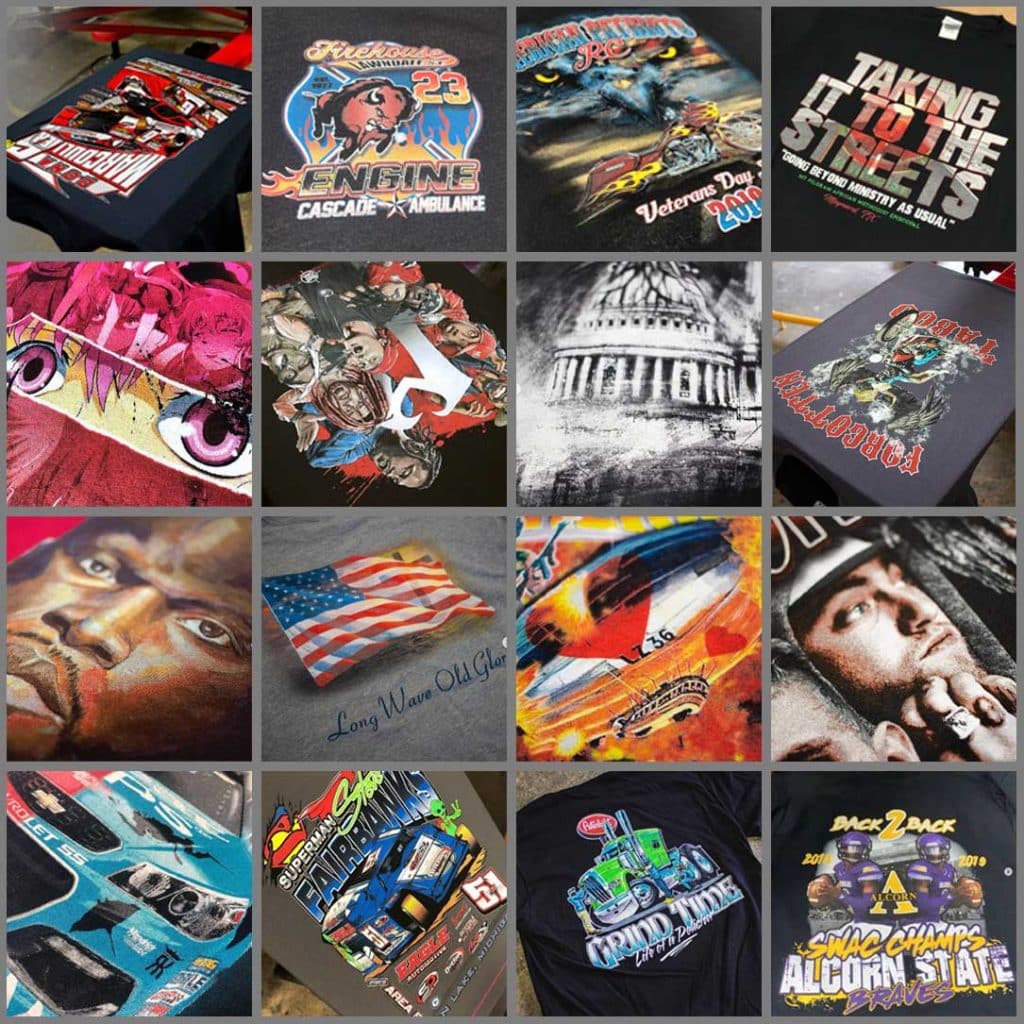
SEPARATE FULL-COLOR T-SHIRT ART EFFORTLESSLY WITH JUST ONE CLICK
ActionSeps™ Separation Software Eliminates all of the Trial & Error
out of Separating & Screen Printing Full-Color Art.
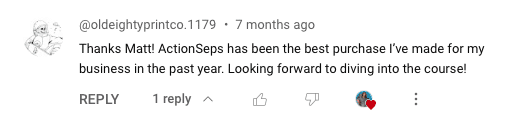
Michael Allen
Just purchased action seps for the shop and have ran two process jobs with it already. Great course. Crushed a black and white realistic job yesterday 🤙🏽
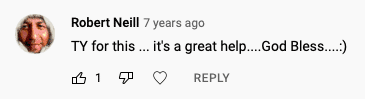
ALEX ROGAN
One of the best softwares in the process for sure. Gives a good overview and language associated with tasks so we can talk to our printers in their terms.
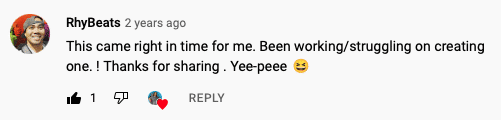
Tim McElheny
Thanks for creating this software! ActionSeps is working great and it really helps learning the process with videos like these.
Let's face it... learning how to SEPARATE
full-color t-shirt art online BLOWs!!!
No Step-by-Step Sequence
Sure, there are resources online, but no comprehensive step-by-step guide covering every detail.
Time Wasted on YouTube
It could feel like years of time wasted watching disorganized YouTube videos.
Expensive Equipment
Screen print suppliers pitch expensive equipment and software to achieve quality results.
The Real Cost of not having these skill sets...
Feeling stuck endlessly scrolling through YouTube, desperately hoping to find that one golden nugget of wisdom to crack the code on artwork separation?
Ever hired a Fiverr artist, only to get back results that make you want to tear your hair out?
And who hasn’t faced the nightmare of having to reprint or refund orders because the prints just didn’t cut it on press? 💩
Ever taken a shot at separating artwork, only to end up with results, wanting to just throw in the towel, especially when a deadline is fast approaching?
Feeling stressed when it comes to separating t-shirt art? 😰
Guess what? You’re not alone in this struggle. I was in the same position…
Imagine this: Separating even the most intricate, realistic t-shirt designs with just a single click. Sounds too good to be true? Think again.
SEPARATION SOFTWARE & TRAINING COURSE
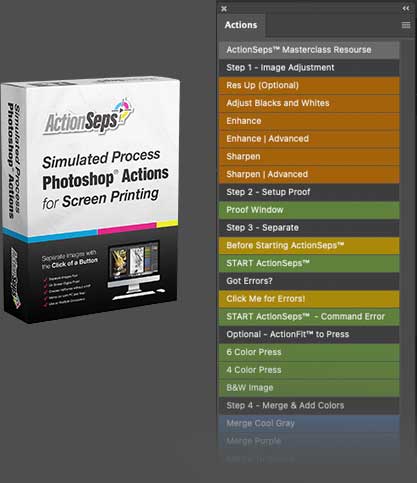
The separation software & video training system that fast tracks the full-color separation learning curve and eliminates the trial & error. Separate full-color art with just the click of a button. Included are step-by-step walkthrough videos teaching how to separate full-color art with ease.
PRINT results You'll
Learn to Achieve
actionseps™ Features
WHAT'S UNDER THE HOOD
ActionSeps™ comes with our lightning fast separation actions. An easy to navigate learning dashboard. Step-by-step video tutorials. All paired with ActionRIP™ to create halftones and print film from any printer!
Sim Process Actions
Separate full color artwork, fast and accurately with just the click of a button.
45+ Video Lessons
Shot in HD video, teaching step-by-step how to separate and screen print sim process.
ActionRIP™ Included
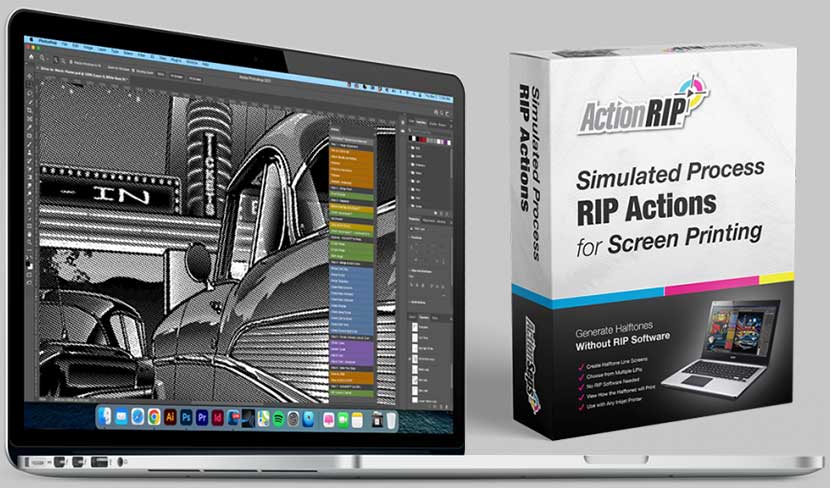
Create halftones using ActionRIP™ and print film from any printer.
From separating your art to a finished product. No detail is left out.
ActionSeps™ works great for DTF and DTG as well. There’s no other software on the market like this.
Come back and watch the videos any time with 24/7 lifetime access. Slow the videos down, or speed them up.
This is as simple as it gets. Courses laid out in such a simple manner a 2 year old could figure it out. All paired with lessons and quizzes to test your new found knowledge.
Easy to follow and explained in terms anyone can follow.
Included are the actions, we use in our shop daily, to quickly separate simulated process artwork.
It’s that easy! Just click ‘START ACTIONSEPS™ NOW’ and go!!!
ActionSeps™ gives you the function to compare your original art to your separations.
Learn from an active print professional. Not some graphic design keyboard jockey.
I don’t just cover black shirts. I cover how to print on white, light and colors shirts.
If you’re just getting started, and can’t afford a rip. You’ll be able to print halftones with ActionSeps™.
Don’t waste money on custom “simulated process inks”. I’ll show you what standard colors you can use.
Deep diving into what mesh count to use, the best type of emulsion to use, and what I use.
Got Photoshop CS3? Or the latest and greatest CC? It’ll work for you too!
That’s right! No license required here. Install ActionSeps™ on as many computers as you like.
As long as you can install a copy of Photoshop on your computer, ActionSeps™ will work for you.
No monthly or annual costs for the life of the course.
For the life of the course. Period.
FEATURE 1:
ACTIONSEPS™ PLUG-IN
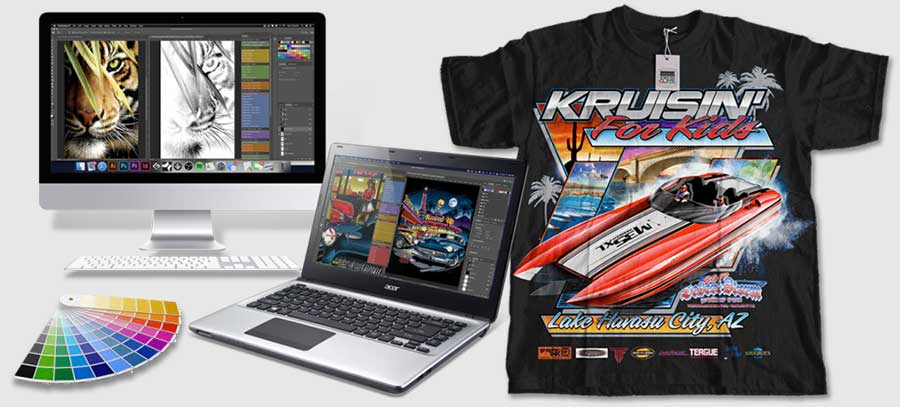
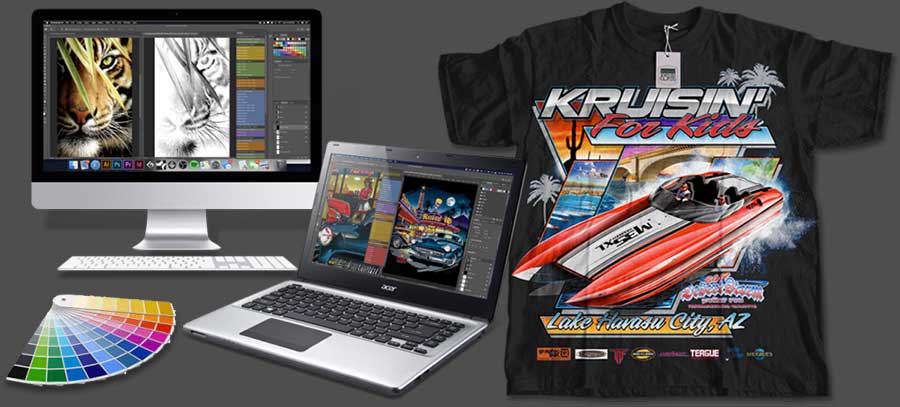
By simply clicking a button, quickly and accurately separate full-color artwork for simulated process screen printing, DTG, and DTF using ActionSeps™.
- Creates separations in ONE click!
- Works for screen printing, DTG, and DTF.
- Enhance and sharpen low res images.
- Create a proof window to compare your separations to the original art.
- Merge colors to reduce screen count.
- Adjust separations on the fly easily.
- Choke and spread colors.
- Works with any version of Photoshop®.
- Works with both PC and Mac OS.
- Install on multiple computers with no additional purchase necessary.
- One time fee.
FEATURE 2:
HD VIDEO TRAINING system
Step-by-step full-color separation training. With an easy to navigate learning dashboard. Easy to follow video tutorials. Behind the computer and on press training. Learn at your own pace 24/7/365.
FEATURE 3:
halftones made Fast & easy with actionrip™ 1.0!
Don’t be forced to purchase the latest and greatest RIP software every underwear change. ActionRIP™ can create halftones, print film from any printer, no matter the operating system.
Course Curriculum
MODULE 1: creating separations
- How to download and install ActionSeps™. Access an instructional video on how to download and install ActionSeps™
- Preparing your image for separations. I cover how to fine tune the file size, contrast, and saturation to get the best results on press.
- Reducing your separations to 6 or even 4 colors. If you're limited to a 4 or 6 color press, this is for you! I show you how to reduce your separations so they'll fit on your press.
- Separating black & white process images. How to get photorealistic simulated process results with a handful of colors.
- Merging separation colors to reduce screens. Whether you're limited on how many colors you can screen print, or a client would like to reduce their costs. I cover how to reduce and eliminate unwanted colors yet still yield excellent results.
- How to separate for white & color shirts and add black. Not every client wants black shirts. Heck, they may even want their full color image on multiple color shirts. I cover how to separate your art to work on all color garments.
- Making flesh tone separations. I cover when and how to add a flesh tone screen so you can achieve photorealistic prints.
- Creating custom Pantone spot colors. Some prints require custom Pantone colors. Such as a solid area simulated process can't achieve, or when a company requires that their art be true to their brand.
- How to choke and spread colors. Making sure that white base doesn't peek out from under your overprint colors. Creating professional looking results.
- Saving your image as a psd or eps file. I go over which file is right for your situation and how each affects file size and sharing.
- How to RIP and print halftones with ActionRIP™. If you're just getting started and do not have a RIP software, or you just would like to see how your separations will appear as halftones on screen, this will come in extra handy for ya'! I go over how ActionRIP™ will process your images into halftones. That way you can view it on screen, or print it to film.
MODULE 2: how to screen print simulated process
- What mesh count, mesh color and lpi to use. I go over mesh counts, screen colors, and the role they play in screen printing simulated process with halftones.
- What type of emulsion to use. Not just any emulsion will do. I cover what types are available, the best type to use for halftones, and my preferred go to emulsion for screen printing simulated process.
- Coating screens for simulated process screen printing. Best practices when it comes to coating and exposing screens for halftones.
- How to expose halftones. From what type of exposure unit is best, to rinsing out your image so you don't lose those halftone details.
- What ink colors to use. I show you which off the shelf ink colors to use in conjunction with ActionSeps™ and potential Pantone color you may need to achieve the high quality results.
- What is gain and how to compensate for it. Keep that image from getting too dark and fine tune it with an understanding of how to adjust for gain.
- How squeegee durometer and pressure plays a role. Each durometer squeegee has its purpose as well as pressure.
- How to screen print simulated process on a manual press. I demonstrate from start to finish how to screen print simulated process, step-by-step, on a manual press.
- How to screen print simulated process on an automatic press. Got an automatic? I've got you covered with a step-by-step tutorial on how to screen print simulated process on an automatic screen printing press.
MODULE 3: DIALING SIMULATED process SEPARATIONS
- How to dial in your white base for optimal results. Getting those bright colors takes an eye for what your white base should look like.
- The importance of the highlight white and dialing it in. Probably one of the most overlooked topics on screen printing simulated process. How much highlight white to add, or take away.
- Separation color theory. A thorough explanation of a critical part of screen printing simulated process. How of much of a certain color to add, or take away based on the results you want to achieve.
- What is gain and how to compensate for it. How to adjust for overly dark results, or a print that gets dark as the run goes on. I cover how to fine tune it to get consistent results throughout the run.
- Troubleshooting and adjusting colors on and off press. Once you get simulated process down, 90% of the time your prints will come out stellar. Sometimes a screen may need adjusting, or certain settings on your press. I go over how to really fine tune those prints.
- Live examples of screen printing simulated process. Lots of examples from our shop of top quality simulated process prints and how we got there. My goal isn't just to teach you how to do the separations, but also to show you how the results come out on press. How many "separation software companies" can say that?
I Don't have
THE Adobe SUITE!
I include a link to special discounts off the Adobe suite. Get 60% off pro design software like Adobe Photoshop and Illustrator, which is $420 a year in savings alone. That's more than 8x's what ActionSeps™ costs by the way. After all, Adobe is the industry standard. Now is the perfect time to start learning the Adobe suite.
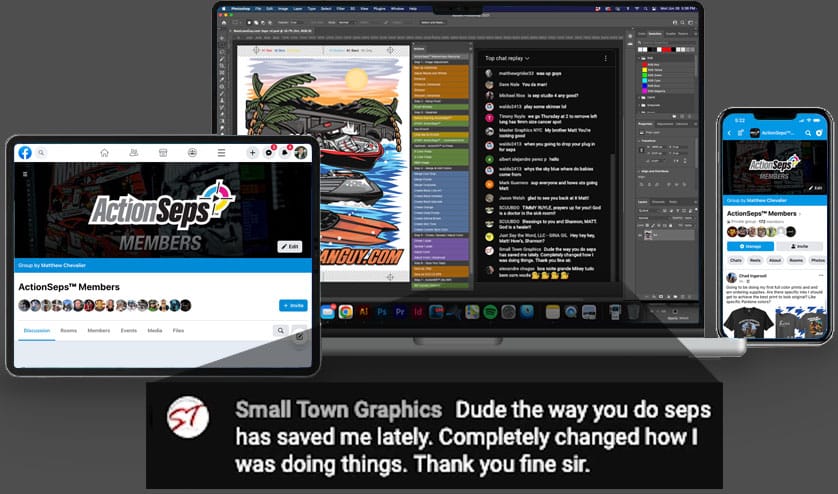
Members only
Facebook group!
As an ActionSeps™ Member, get exclusive access to our private FB group community.
Connect with fellow enthusiasts to help elevate your business.
the benefits
🦄 🌈 🪄
What are you actually buying?
*I’ll give you a hint, it’s not snake oil…
By using ActionSeps™ to separate artwork in minutes instead of hours, you’re not just saving time—you’re gaining so much more.
- Imagine having more time to spend with family.
- Getting orders out the door faster.
- Feeling less stressed about tight deadlines.
- A freed up schedule to focus on growing your business.
- Let's not forget the satisfaction of maintaining control over quality
- Efficiency and creative ideas skyrocket.
- It's a game-changer for work-life balance and overall happiness.
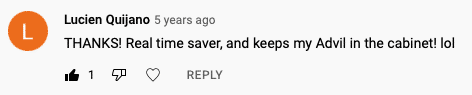
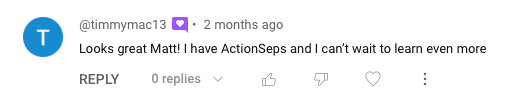
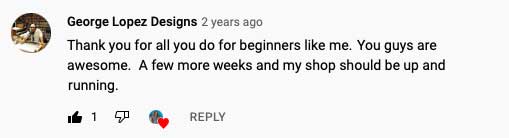
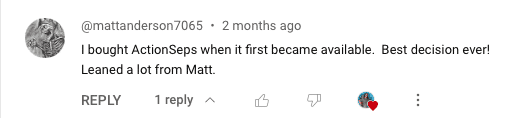
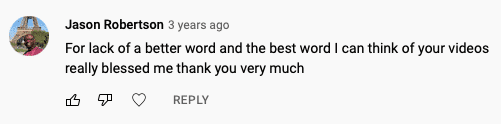
WHAT FELLOW PRINTERS ARE SAYING...
Join the growing list of t-shirt entrepreneurs getting ahead by putting our software and training to use…
ADDED BONUSES
BONUS TRAINING
This INDUSTRY SECRET alone is too good to be given away!
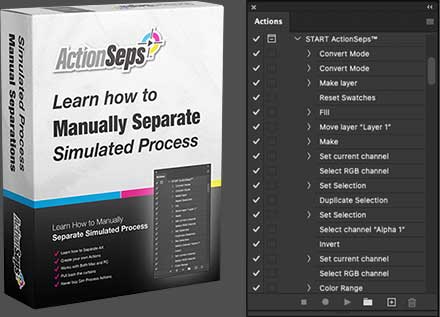
Get ready for a revelation! Most “Separation Softwares” are just actions in Photoshop? Our bonus course teaches manual full-color art separation and custom action recording.
Why keep paying for the latest actions? Learn manual separation and create your own actions!
Master this essential skill for t-shirt business owners and say goodbye to pricey separation software forever.
BONUS PRODUCT
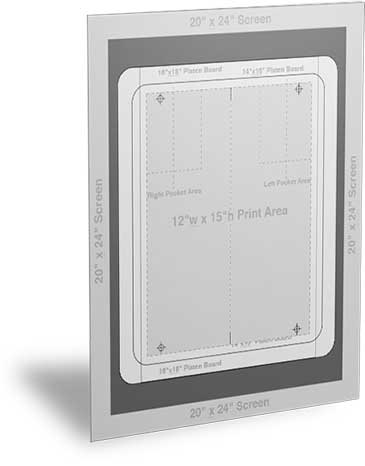
Registration Template INCLUDED.
BATTERIES NOT.
Why spend time figuring out how to create a template? We have already done the work.
- Standard 12"w x 15"h template.
- Also includes 15"w x 18"h oversized template.
- Includes Registration and Center Marks.
- Inch marker layer from the top of the collar.
- Setup as an Adobe Illustrator template file (.ait).
- Works with older versions of Adobe Illustrator.
- Comes with a full size printable PDF file.
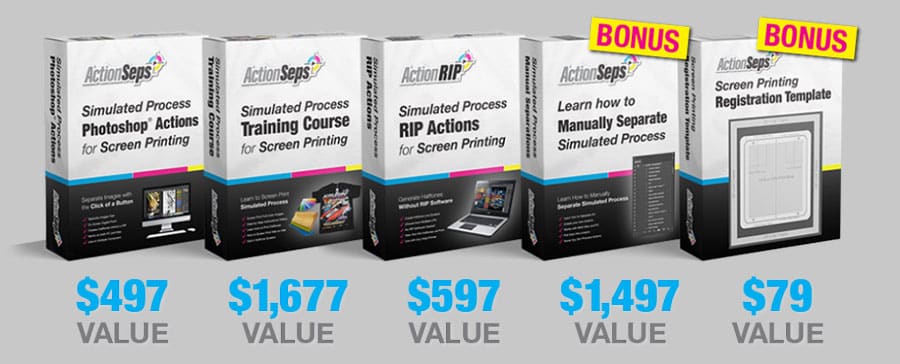
Total Market
Value is $4,347.
Don't freak out! That is NOT the price. I want to help as many t-shirt entrepreneurs as I possibly can. In doing so, I realized I had to discount ActionSeps™ even further. *hint - your price is below*
Secure future success now for less than the cost of a trip to the grocery store!
MEET THE INSTRUCTOR
How Could
1.3 Million PEOPLE
Be WRONG?
Printers Educated
Views on simulated process training.
Channel Views
The proof is in the puddin’.
Organic Subs
Teaching style that is easy and relatable.
Hi, my name is Matt. I started my business with no money and in my garage with no more than a wooden press I made with $25 and a simple one color VW t-shirt design. I posted that design up on a forum and secured 15 pre-orders.
In 3 short years, I grew my business to 4 employees, a 2,500 sq ft shop, a 9 color 10 station automatic, 55k subscribers on YouTube and I teach people all over the world how to start t-shirt businesses.
And since then I’ve been called the “King of Simulated Process”. *Bragging about myself feels a little…weird*
Where were we?…
#3 on the top 10 screen printing YouTube channels to follow list. I have been featured in publications, and been on an episode of ‘Shirt Show’.
How did I manage to experience this growth?
I’ve helped over 1.3 million screen printers learn how to screen print simulated process.
Limited-time offer! Purchase before it's too late!
Act now to secure access to our exclusive separation software! Limited time offer – reserve a copy before it's too late! Price will soon return to $249.
Have No Fear. SATISFACTION Guarantee Here.
- If you have implemented all of the lessons and you don't see the results you're looking for. I'll give you your money back.
- If this isn't the most well put together software on full-color printing. I'll refund your money.
TAKE ACTION
HIT THE BUTTON
TO BUY NOW
See the big hot pink button above? Click that button. Go over to the next page, fill out information fields (it’s safe, secure, and encrypted) and reserve a copy now...
Frequently Asked Questions
Have a question about my software? Check out frequently asked questions and answers.
Sure! Ever seen the Pintrest fails memes? In all seriousness…
What is your time worth? You can take the hard route like I did. Sifting through hours upon hours of content. Doing a lot of trial and error figuring out what actually works and what doesn’t.
Or you can purchase my software. Go through the training, and learn how to print full-color art with consistent results.
To top it all off, I will be uploading videos of issues my students are running to and demonstrating how to solve the problem.
The choice is up to you. You can do it the hard way…or the easy way.
Yes! However. You do need to have some basic screen print knowledge and equipment. We’ll walk you through how to separate full color images. How to print halftone films. What mesh screens to use. The best emulsion type you’ll need for exposing halftone screens. What off-the-shelf ink colors to use. Teach you how to screen print simulated process wet on wet. Yielding excellent result that’ll win over clients for years to come!
The timeframe depends on how swiftly you progress through the training course and implement the lessons. Some students begin printing full-color images within the first week of enrollment, while others proceed at their own pace.
On average, I would estimate that most students take about two weeks to complete the course and produce their first full-color prints. 😊
Not at all! I got started screen printing full color simulated process images with a VERY basic setup. All you need to get started is a computer. A copy of Photoshop. A printer for film positives. A way to expose screens. Even a cheap lamp can work. An assortment of high mesh count screens. The proper emulsion. At least a 4 color 1 station press. A flash cure. And a way to cure your shirts. I started out curing shirts with a flash.
Yes! ActionSeps™ simulated process screen print training course will work with all versions of Photoshop. We’ll provide you with actions we use in our shop daily. Whether that’s with CS6 on a PC, or the latest CC on a Mac. We got you covered!
Go over to our YouTube channel Mikey Designs & Silk Screen with over 53k subscribers and millions of views. Get a feel for my teaching style, and see some of our screen print work. Watch some of my tutorials and vlogs as we grew our own screen print business. Read the comments and see how we’ve helped many print shop’s solve their screen print woes.
The proof is in the pudding. 🙂 My teaching style may not be for everyone. That’s okay.
Yes! With this course. The knowledge we share. You’ll be able to separate simple spot color jobs.
The focus of this course is to teach you how to separate and screen print full color realistic images. Once you learn that skill. You will be able to separate and screen print any graphic!
No! If you don’t have a RIP software. We’ll teach you how to turn your separations into halftones.
I do recommend getting a RIP software. Such as AccuRIP. It helps speed up the film output process.
No! Even if you have vector art. You will be bringing it into Photoshop. Which will turn it into raster art. Having vector art does yield excellent print quality results at any print size, but it’s not necessary.
Every shop is different. What is the cost of living in your area? What are your overhead expenses? Are you on a manual or automatic screen printing press? Are you a one man show in the garage or basement? Or a shop with employees? What are your competitors charging in your area?
I would recommend doing some ‘time studies’ and adjust your pricing accordingly. How long does it take you to work with your client? Get setup on press? Print the job? Get it out the door? How often are you printing during a day, a week, a month? Most shops print on average around a 20% utilization rate. The rest of the day is spent doing admin and screen prep.
If you need to make $50 an hour to keep the doors open and make a profit. At a 20% utilization rate. You would charge around $250 an hour while on press.
Check out this great blog and video on pricing your work! It’s been really helpful with pricing our own work.
https://www.printavo.com/blog/how-to-make-a-screen-printing-pricing-matrix
We have dozens of students in Australia, Canada, New Zealand, the United States, the United Kingdom, all over Europe, South America, Africa, the Middle East and Asia. This course has been proven to work worldwide. As long as you can understand English.
For more information on PayPal Pay Later. Go here. https://www.paypal.com/us/digital-wallet/ways-to-pay/buy-now-pay-later
When I first started my t-shirt business. I was broke. Working 9-5. Living pay check to pay check. My back was against the wall. So I can empathize where you’re coming from.
You need to get creative and think of how you can save the money. You could take on that extra print job. Put the profit aside. There’s PayPal financing, credit cards, loans, parents, friends, and family. You could also put together a GoFunMe.
If you’re hungry enough. You’ll find a way. Start thinking of ways that you can make this work. If the price seems too high. You may not be ready for this course.
If you have implemented ALL OF THE LESSONS and our course doesn’t work for for you. We’ll give you a refund. Just email support@actionseps.com. Our goal isn’t to take your money and run. We want to see you become successful.
When it comes to accessing the training course or downloading our actions. Reach out to us and we’ll get with you ASAP!!! Once you have access to the the course and actions. It’s all inclusive. You’ll get access to all the training tutorials. 24/7. For the lifetime of the course. It will take getting behind the computer. Out in the shop. Behind the press. Applying the techniques you’ve learned. Slow the videos down or speed them up so they work at your learning pace. Watch them over and over until you know the information inside and out.
We also would love to hear your feedback. So we can continue to improve the program. We value your feedback and what you would like to see. Or an issue you’re running into. That way we can upload more training videos addressing any problems you may run into. Let’s grow together and make this the best course online on the topic!
Go over to our YouTube channel and subscribe. We go live and answer your screen printing Q&A’s.
Are you in need of one-on-one training? Email me at support@actionseps.com to schedule a call or a zoom meeting. Let’s talk about pricing for weekly or monthly one-on-one training and support.
Email me at support@actionseps.com. I would be happy to help!
WILL YOUR JOURNEY START, OR END HERE?
The Decisions You Make Today. Define Your Tomorrow.
ActionSeps™ isn’t a quick fix, but it’s your best bet for mastering full-color t-shirt art separation!
In the movie The Matrix, Neo (AKA Mr. Anderson) was given a couple choices. Let’s use that metaphor shall we…
The Cyan Pill – Stay undecided and risk reverting to old habits. You’ll waste time and money on futile research, achieving nothing.
The Magenta Pill – Invest in ActionSeps™. Follow the step-by-step system, and within weeks, effortlessly tackle complex jobs and working on a scalable business.
Take action…