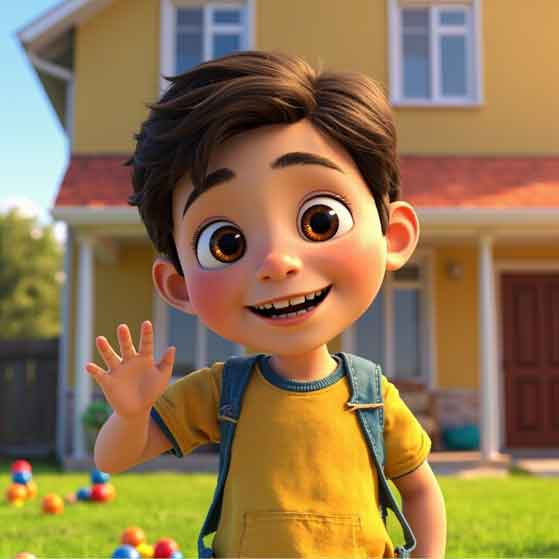
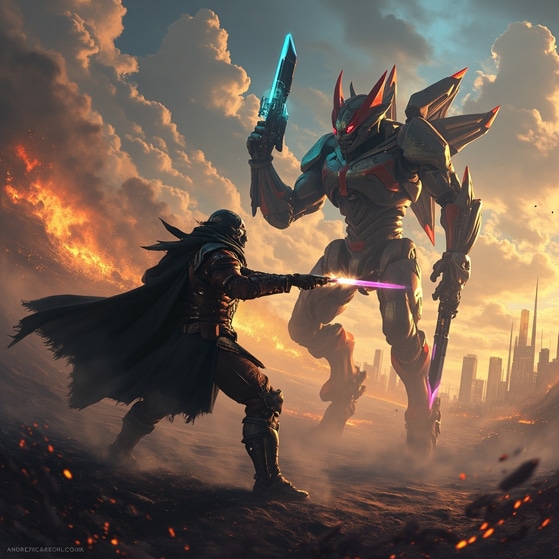
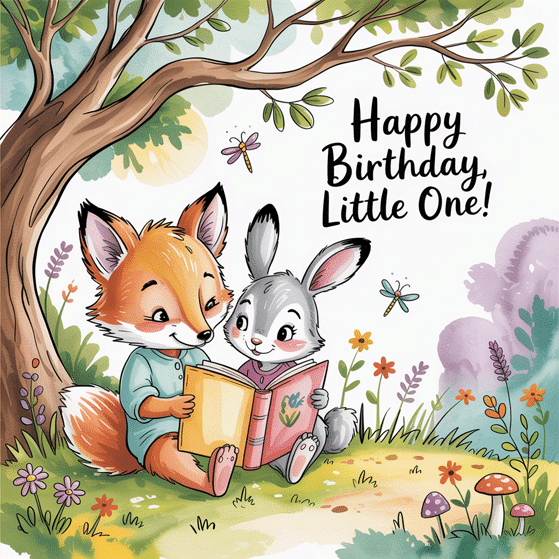
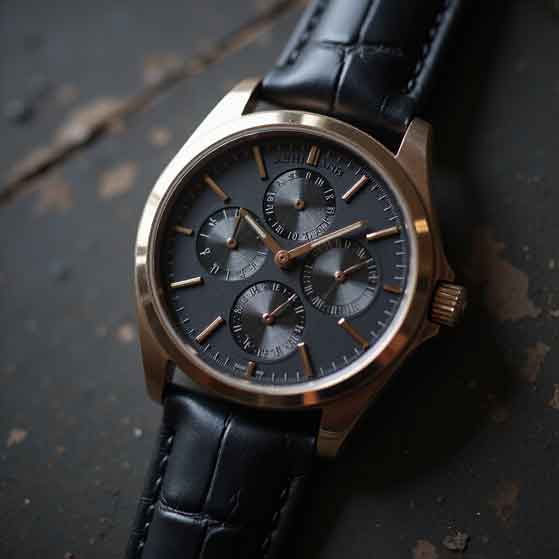
😤 Tried using AI to create designs — only to end up with blurry images, awkward hands, or graphics that just don’t look right?
Spending hours typing prompts and still not getting what you actually pictured in your head?
Have you been left feeling like “maybe this AI stuff just isn’t for me…” 😩
Sick of waiting on designers, paying for revisions — or having to figure out Photoshop, Canva, and a dozen other tools just to make a decent post, thumbnail, or product image?
Struggling to come up with content ideas, what to post on Instagram, Facebook, or TikTok… or worse — what to actually say once you’re there?
You’re not alone.
I’ve been there too. But after working with AI tools for real-world jobs, marketing campaigns, and YouTube content, I cracked the code.
This course will shortcut the confusion and show you exactly how to create high-quality designs, generate original content ideas, write posts, and even edit videos — all with AI, and all in one day.
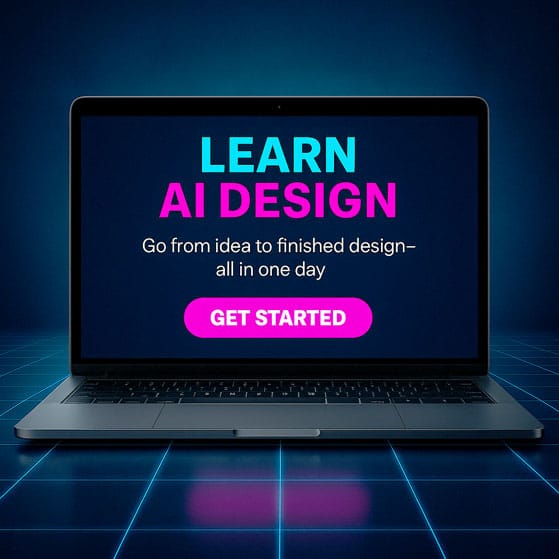
Learn how to go from idea to finished design — plus content, video, and animations — all in ONE DAY using Artificial Intelligence.
No Photoshop. No complicated software. No monthly subscriptions.
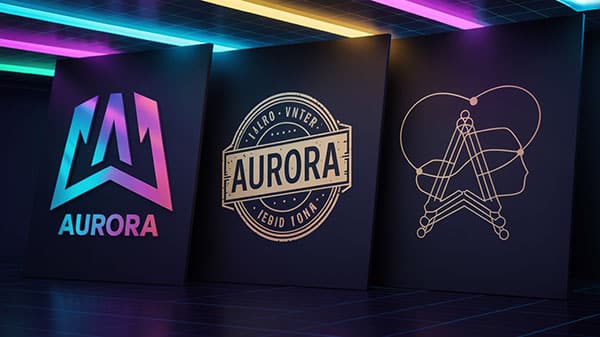
Ai is like that well-meaning friend who totally messes up your design. You ask for a logo and get…
Well, something interesting.
In Module 1: You’ll learn how to talk to AI without getting weird results.
No more vague prompts like “make me a logo”.
I’ll show you how to give AI the perfect direction, so it nails exactly what you need.
By the end, you’ll be prompting like a pro and getting AI to work for you, not against you.
Say goodbye to random shapes and hello to designs that actually make sense!
Want retro? Grunge? Bold comic art? Clean vector? Car art?
AI can match any look — and fast.
No Photoshop. No designer.
Just type your idea and watch it appear — ready to sell, post, or send to a client.
AI images look cool — until you try to print them.
Learn how to sharpen, resize, and prep your art so it's crisp, clean, and press-ready. No blurry edges. No wasted transfers. Just pro results.
Need a new logo for your brand, channel, social media, or product? AI helps you create bold, custom logos that look like you hired a designer.
No Illustrator. No templates. Just your idea — made real. Export in high-res and tweak till it’s perfect.
Banners, headers, backgrounds, icons — all branded and on demand. Stop wasting time hunting through stock photo sites.
Generate exactly what your site needs — fast, consistent, and no design tools required.
And the wild part?
Each one took seconds to create.
No subscriptions.
No complicated software.
Most cost less than a few cents to generate. 🧠⚡️
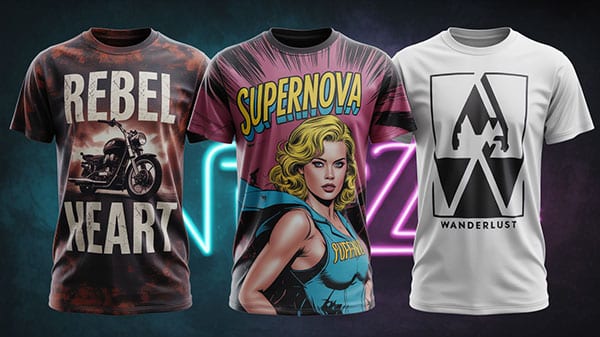
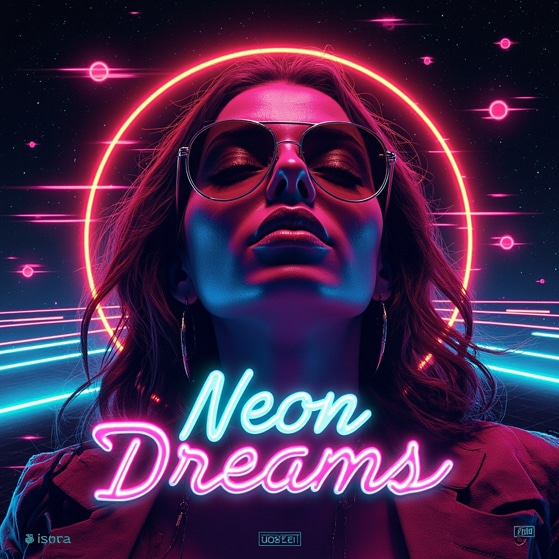
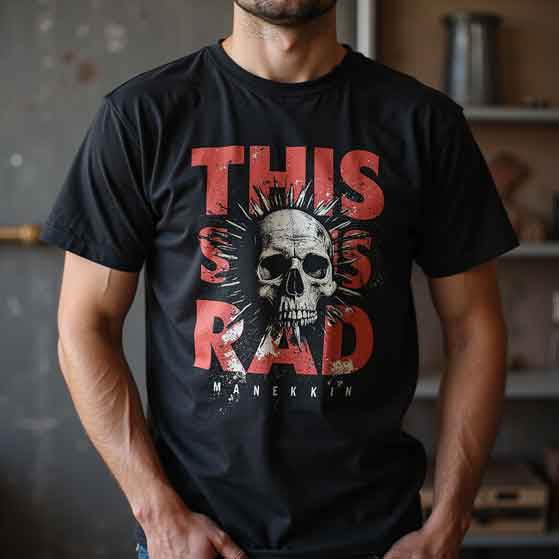
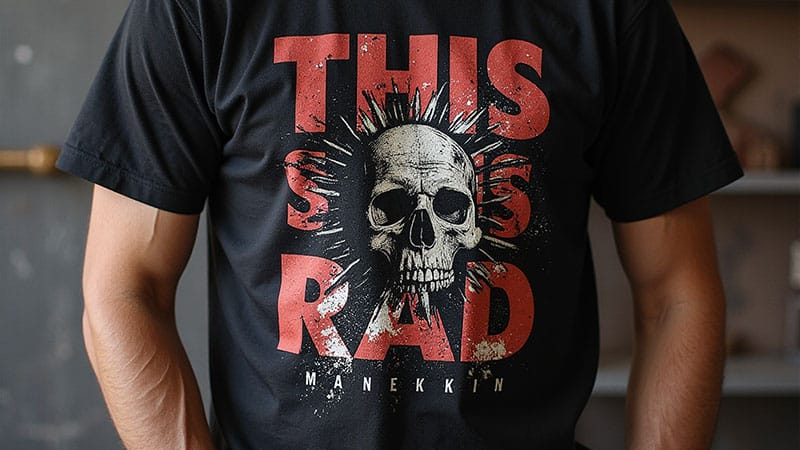
All the t-shirt designs.
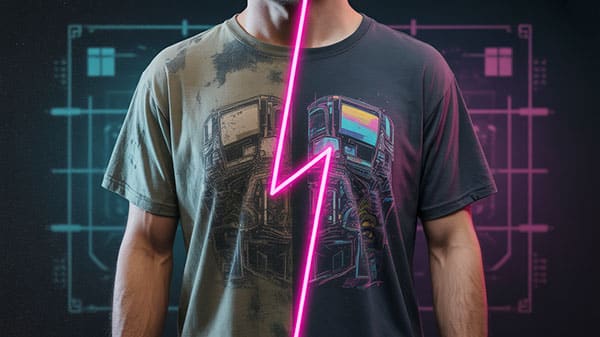
The mockups.
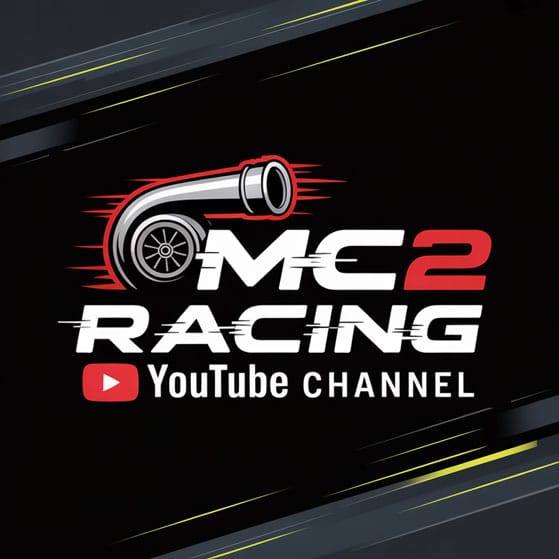
The logos.
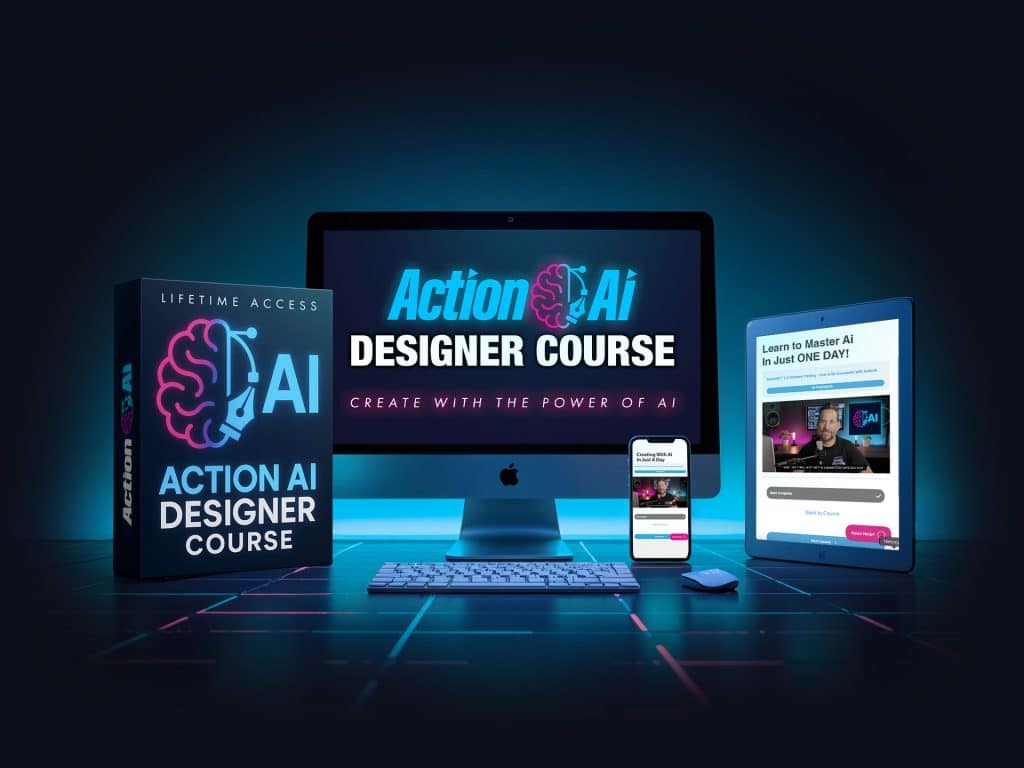
The course box.
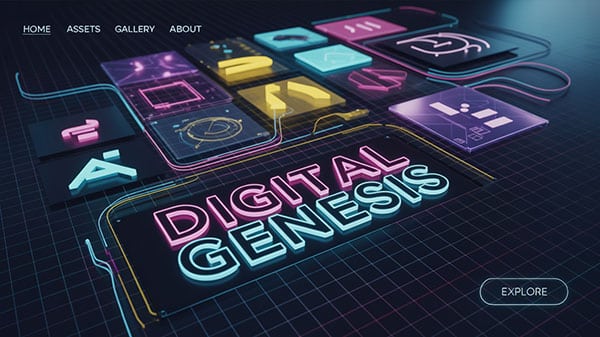
Even the cinematic backgrounds.
Every. Single. One.
Created using the exact tools and techniques you’ll learn in this course.
❌ No Photoshop.
❌ No stock sites.
❌ No expensive software.
Just smart prompts and step-by-step guidance to unlock your creativity — instantly.
Picture this — being able to create literally anything you need for your content. 🚀 The Possibilities Go Way Beyond T-Shirts and Thumbnails.
🤘 The Best Part? Ai Is Just Damn Fun to Play With!
Yeah, it’s powerful. Yeah, it saves time.
But it’s also straight-up addicting!
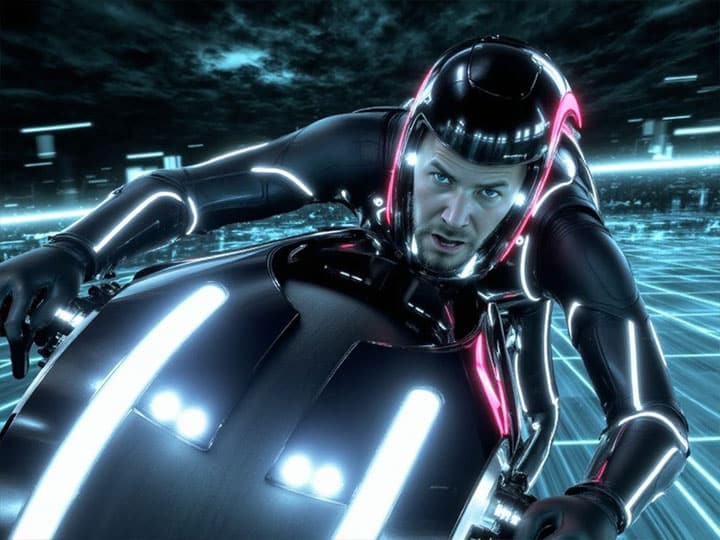
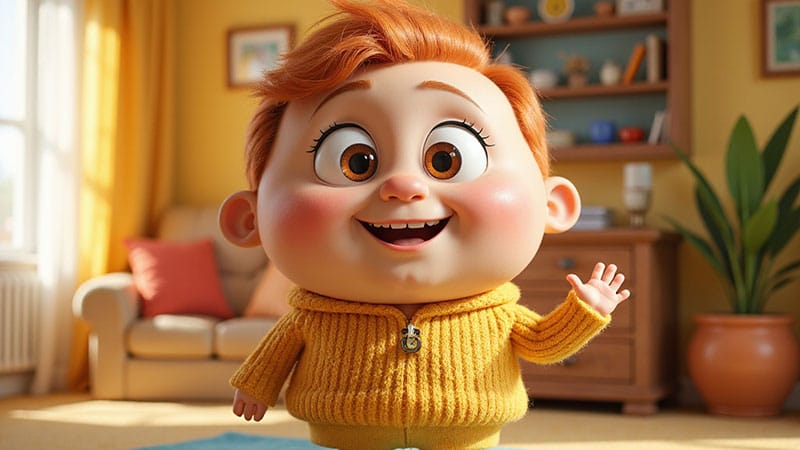
You’ll catch yourself making wild art, cartoon versions of your dog, fake movie posters with you being the star — and loving every second of it.
This isn’t just about work — it’s about rekindling your love for creating.
Make sure your smoke detectors have batteries in them…
**beep** (in the distant background 😅)…
because…this next section is fire! 🔥
Whether you want to create motion for marketing, social media, or product intros, Ai lets you animate without video editing experience.
Add cinematic camera moves, zooms, and motion to static art. Perfect for showcasing your designs or products and creating content that grabs attention instantly.
Transform your scripts and ideas into engaging videos. Learn how to convert text into dynamic video content that tells a story, captures attention, and drives engagement—fast and easy. These videos can also be used as B-roll to create even more engaging content for your projects.
Prompt: “A wide cinematic shot of a glowing white unicorn standing at the edge of a sparkling crystal cliff, gazing over an enchanted valley filled with floating islands, glowing mushrooms, and cascading waterfalls. In the distance, a lavender-hued castle floats in midair, tethered by glowing energy beams. Fireflies swirl in the golden twilight air. The scene features soft magical lighting, lens flares, and a sweeping camera movement slowly circling the unicorn from behind, revealing the fantasy world in full awe-inspiring scale.”
Prompt: “A cinematic scene of a rugged man in his late 30s driving a classic American muscle car down a quiet country road during golden hour. The camera angle is from the passenger seat, focused on his profile as he grips the steering wheel. He wears a worn cowboy hat, and has a rough 5 o’clock shadow and sun-kissed skin. The sun glows warmly through the windshield, casting soft shadows and lens flares. Use a 35mm film look with shallow depth of field and creamy background blur. Rich, cinematic color grading — think vintage Americana meets modern drama.”
The possibilities are endless with Image-to-Video & Text-to-Video.
Want to know the secret to YouTube success?
Thumbnails.
You could create a viral video, but without a killer thumbnail, nobody’s clicking. And without those clicks, your masterpiece stays hidden.
Now, traditionally, making a great thumbnail meant spending hours with fancy cameras, pro lighting, and editing software that makes your head spin.
Or, you’d be shelling out $100-$400 to have a designer do it.
But here’s the deal — AI has changed the game.
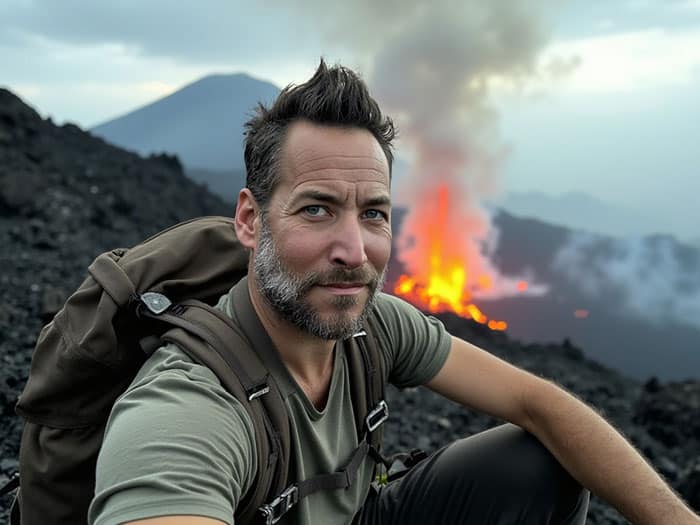
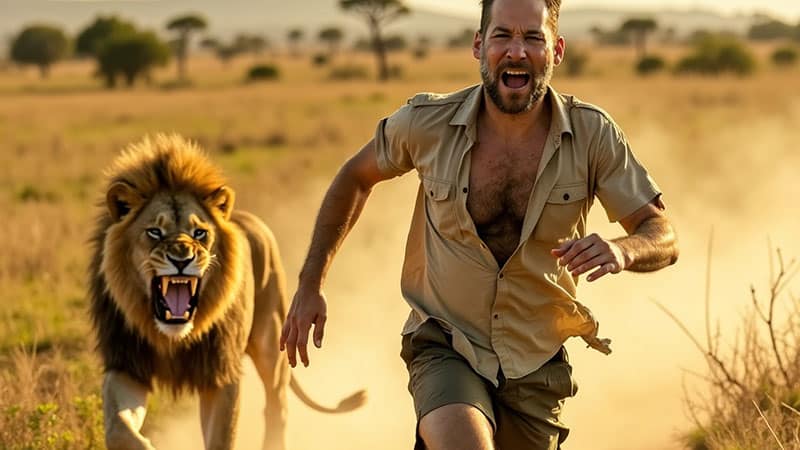
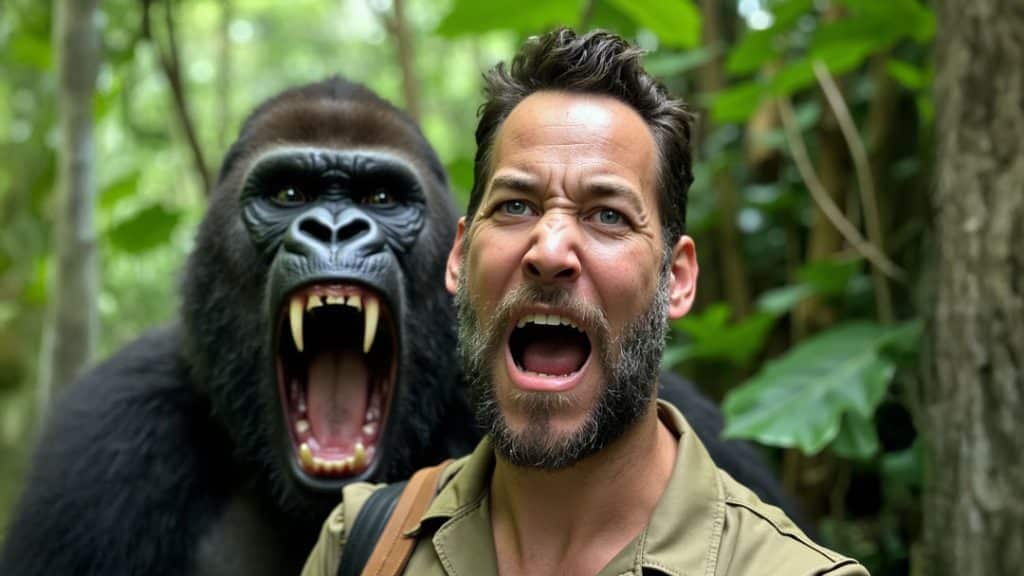
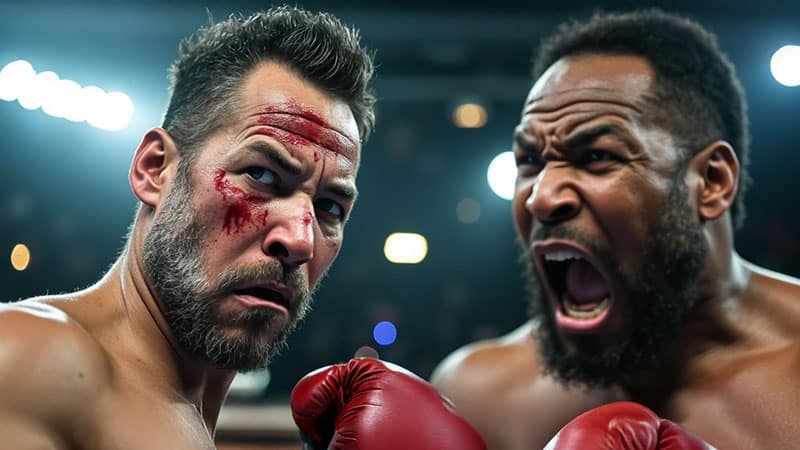
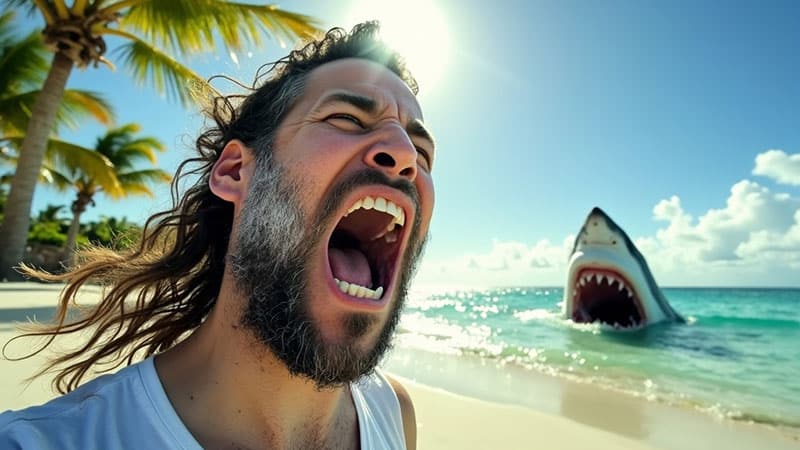
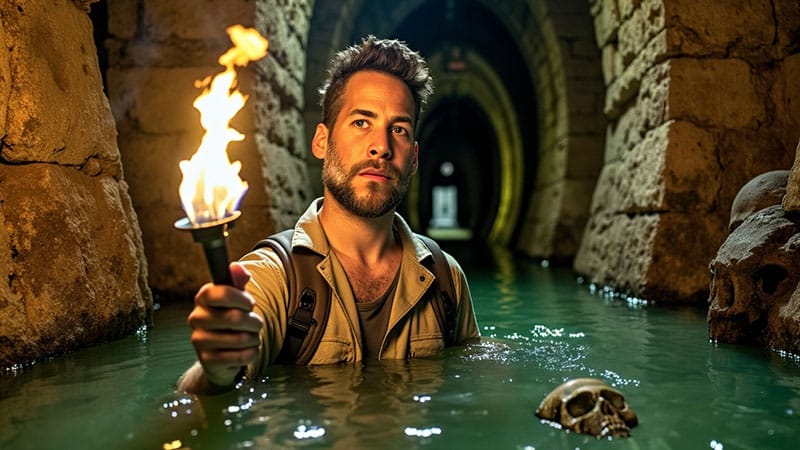
Check out the thumbnails I created with AI. No, I’m not out there in the jungle with a silverback gorilla (I value my life).
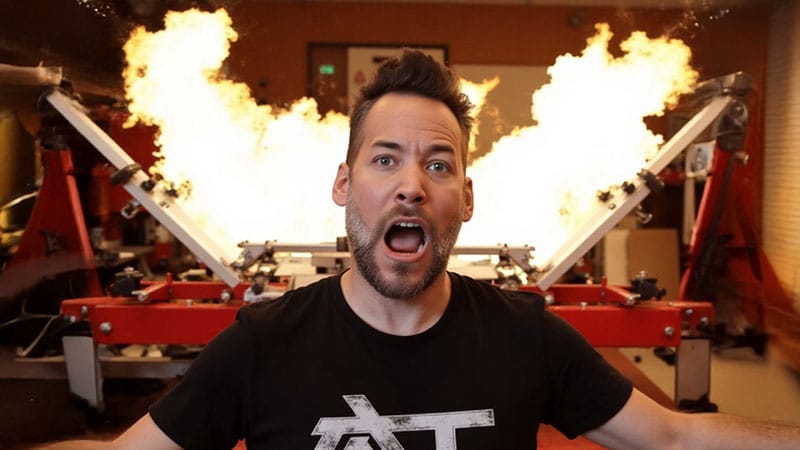
And nope, I didn’t watch my screen printing press catch fire for the perfect shot. Who needs that kind of chaos?
Thanks to AI, I can do the impossible — create thumbnails that grab attention, even without burning down expensive equipment or risky adventures.
Want to create eye-popping thumbnails that work? AI has your back.
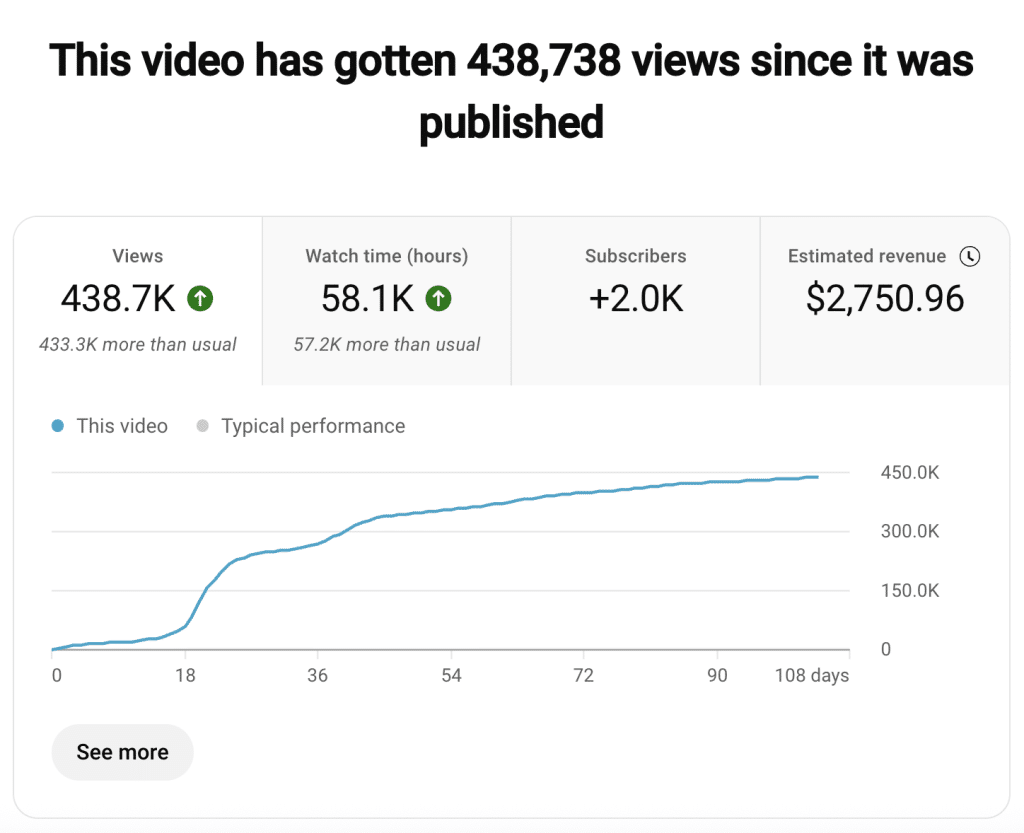
Check out the one below — made with AI and it performed like a pro. without a killer thumbnail, nobody’s clicking.
Tired of staring at a blank screen, wondering what the heck to post next?
In this protocol, we’re using AI to obliterate that problem.
Forget spending hours planning your content or trying to come up with fresh ideas. With AI, you’ll crank out content and fill your calendar in minutes, with posts that are engaging, original, and ready to roll.
No more scrambling.
Just sit back, let AI do the heavy lifting, and watch your content strategy come to life — faster than you can hit “publish.”
Tired of spending hours tweaking, editing, and manually refining?
It’s time to put AI to work and supercharge your Photoshop skills.
In this bonus training, you’ll learn how to use AI tools inside Photoshop to create content that looks professional – and fast.
Ready to ditch the boring editing grind?
In this protocol, we’ll show you how to let AI do the heavy lifting in Adobe Premiere.
You’ll be breezing through video projects like a pro, leaving the tedious stuff behind.
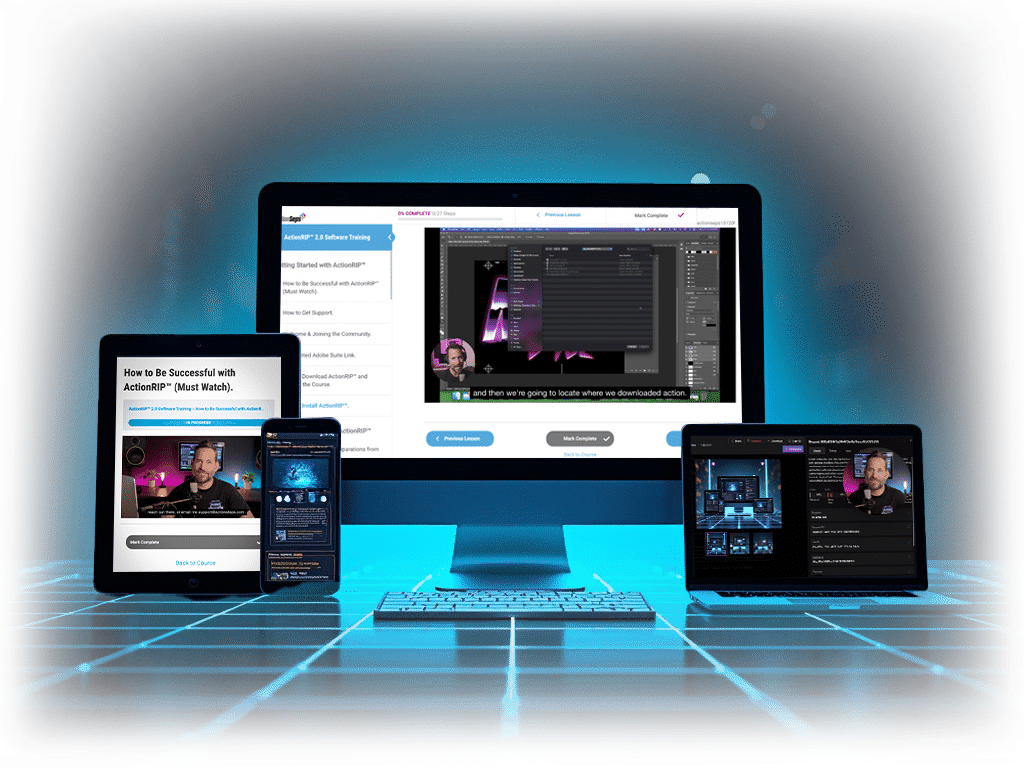
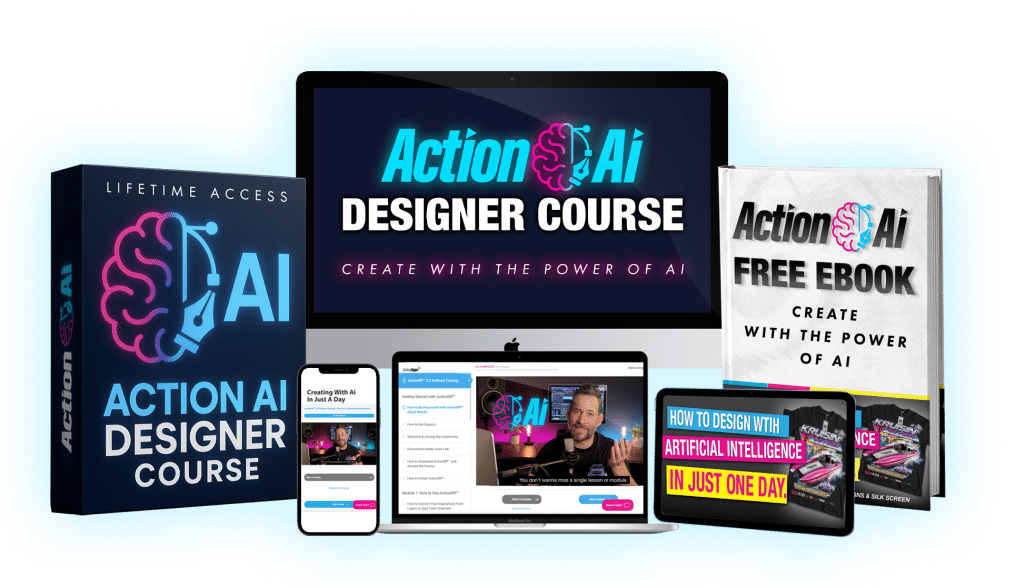
Step-by-step AI training. Access a clean, easy-to-navigate dashboard with bite-sized video lessons — showing you exactly how to design, write, and create with AI. All tutorials are beginner-friendly, behind-the-computer walkthroughs. Learn at your own pace — 24/7/365.
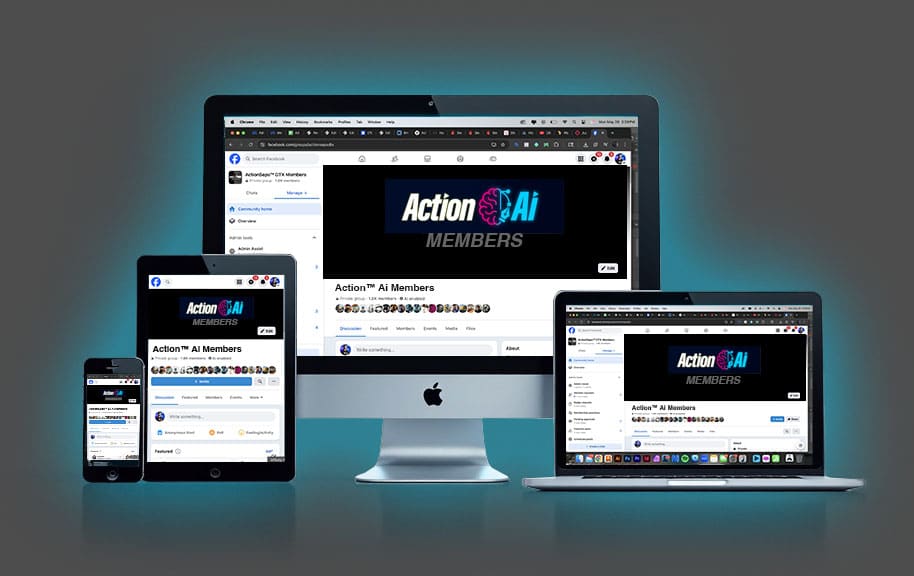
As an Action Ai Designer Member, you’ll unlock exclusive access to our private Facebook community — a space to connect with like-minded creators, get feedback, share wins, ask questions, and grow your skills alongside others using AI to build and scale their brand.
Time is your most valuable resource. The Action Ai Designer Course helps you stop wasting hours on trial-and-error designs, content rewrites, and clunky tools — so you can create faster and focus on what really matters. With Ai on your side, you’ll be able to:
Over 11k designers are already thriving in our community.
As the saying goes. The proof is in the puddin’.
Teaching style that is easy and relatable.
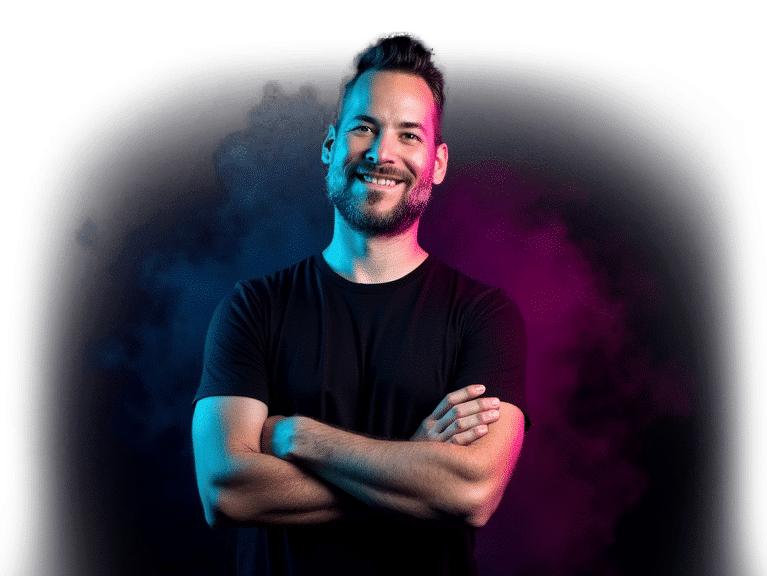
Hi, my name is Matt. 👋 I kicked off my business with zero cash and a makeshift wooden press I built for $25. Oh, and a simple one-color VW t-shirt design. I posted it on a forum and somehow pulled in 15 pre-orders.
Fast forward three years, and I grew that humble garage operation to a 2,500 sq ft shop, a 9-color, 10-station automatic press, 4 employees, and a solid 83k YouTube subscribers.
Now, I teach people around the globe how to kickstart their own t-shirt businesses.
And yeah, I’ve been called the “King of Simulated Process”.… but let’s be honest — bragging feels a bit cringe.
Where was I? Oh right…
I’m #3 on the top 10 screen printing YouTube channels to follow (no biggie). I’ve been featured in publications, and even made a cameo on the ‘Shirt Show’ podcast.
Why?
Well, I’ve helped over 1.3 million screen printers unlock the magic of simulated process screen printing.
But lately, I’ve been diving headfirst into AI — professionally using it for marketing, sales, and, well, figuring out how to make it work for me. In the past 3 years, I’ve been perfecting the art of training AI to do what I want… and I’m here to teach you how to do the same.
Do you see the big hot pink button above? Click that button. Go over to the next page, fill out your info and get your copy...
Have a question about my course? Check out frequently asked questions and answers.
Just a one-time payment gets you lifetime access to the Action Ai Designer Course — including all training modules, future updates, support, and access to our private Facebook community.
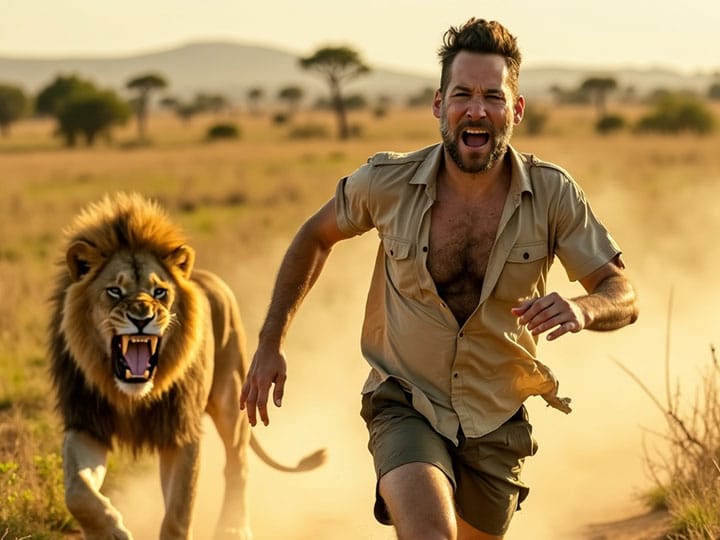
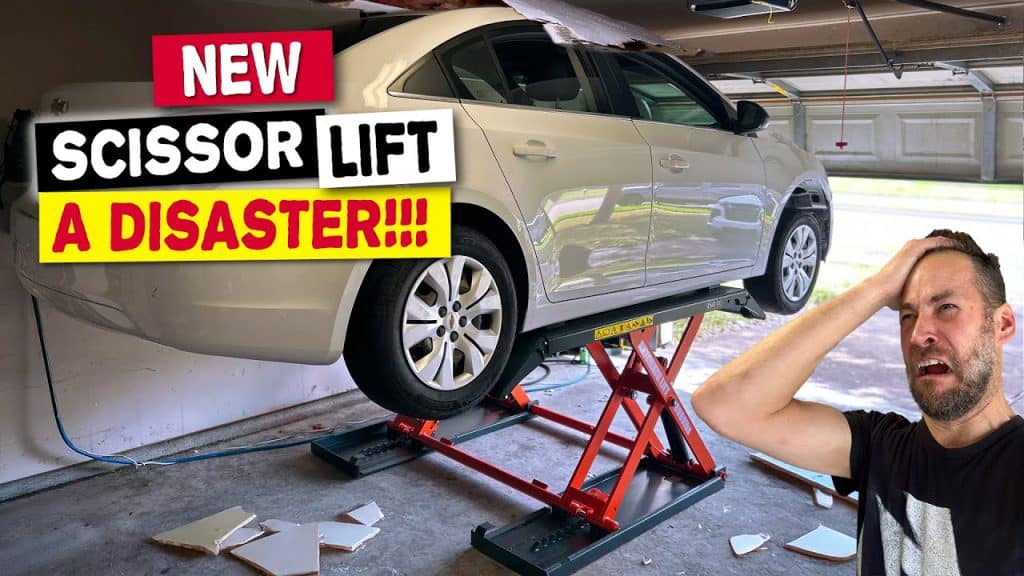
Sure! Ever seen those AI design fails floating around online? That’s what figuring it out alone often looks like…
In all seriousness — what’s your time worth?
You can go the hard route, like I did. Spend weeks digging through random tutorials, wasting time testing prompts that don’t work, and ending up with artwork that still doesn’t look right.
Or you can skip the guesswork, enroll, and go through the exact system I use to create print-ready designs, captions, videos, animations, and more — all in one day.
I’ve also got one-on-one coaching options, and I’ll be updating the course with real issues students run into — and exactly how to solve them.
The choice is yours:
Do it the hard way… or the smart way.
Absolutely. You don’t need any design or tech experience — just basic print knowledge.
This course is made for beginners and walks you step-by-step through creating stunning, print-ready designs and content using AI. You’ll be blown away by what you can do in just one day.
Many students start creating designs and printing the same day.
It all depends on how quickly you go through the course and apply what you learn — but everything is built to help you take action fast, even if you’re brand new.
Check out our YouTube channel, Mikey Designs & Silk Screen, with over 82k subscribers and millions of views.
Get a feel for my teaching style by watching tutorials, behind-the-scenes vlogs, and real-time growth from our own print shop journey. Read the comments — you’ll see how we’ve helped printers and creators all over the world.
The proof’s in the pudding. 🙂
My teaching style might not be for everyone — and that’s totally okay.
We have dozens of students in Australia, Canada, New Zealand, the United States, the United Kingdom, all over Europe, South America, Africa, the Middle East and Asia. This course has been proven to work worldwide. As long as you can understand English.
You have the option to pay with a debit or credit card. No Stripe or PayPal account needed.
If you would like to send payment via Zelle or a check, feel free to reach out to me at support@actionseps.com.
I feel between those options, that’s more than enough ways to accept payments.
I will not accept payments through providers I’m not familiar with.
If you have implemented ALL OF THE LESSONS and our course doesn’t work for for you. We’ll give you a refund. Just email support@actionseps.com. Our goal isn’t to take your money and run. We want to see you become successful.
You’ll get full access to all training videos 24/7 — for the lifetime of the course. Watch at your own pace, slow them down, speed them up, and revisit lessons anytime you need.
If you need help accessing the course or downloads, just email us at support@actionseps.com. We respond during office hours, Monday–Friday, 9AM–5PM CST (excluding holidays).
We’re always improving the course based on student feedback. Run into something? Let us know — and we may create a video to help!
Looking for one-on-one support? Email us to schedule a Zoom or private coaching call and we’ll talk options.
Email me at support@actionseps.com. I would be happy to help!
Action Ai Designer Course isn’t some “magic pill” that’ll instantly turn you into a creative powerhouse — but it’s the closest damn thing to uploading skills straight into your brain.
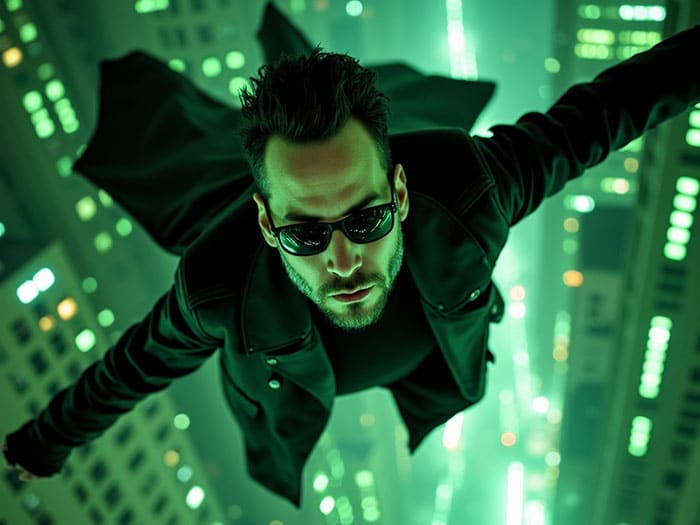
In the movie The Matrix, Neo (AKA Mr. Anderson) was given a couple choices. Let’s use that metaphor, shall we…
The Cyan Pill – You’re on the fence, and you don’t take action. This is what will happen if you’re thinking “nah” or “I’ll look into it later” when it comes to this course.
First, you’ll hit the back button and return to whatever AI YouTube rabbit hole you were watching before. You’ll go back to life as it were and SNAP… our little time here will be forgotten.
Then, weeks or months from now, you’ll still be typing prompts into Midjourney or ChatGPT, wondering why your t-shirt designs look off, your content sounds robotic, or nothing quite turns out right. You’ll waste time. Burn out. Keep thinking, “I’ll figure it out eventually.”
That would be tragic.
Especially when you’re just ONE CLICK away from a proven, streamlined system to get high-quality artwork, captions, videos, animations, and more — all in a single day.
Don’t let this happen to you.
The Magenta Pill – You take action and join the Action Ai Designer Course. You follow the step-by-step lessons, and in one day, you’re creating print-ready graphics, smart captions, scroll-stopping thumbnails, and even videos.
You’re no longer “trying to figure it out.” You’re producing. Creating. Posting. Selling. And doing it all with tools that feel like you’ve got a full creative team on standby.
You can even use what you learn to build content faster, train your team, or simply reclaim your time.
There’s absolutely no downside.
The choice is yours. Do you go back to the way things were, still stuck in trial and error months from now?
Or are you going to take action? Skip the burnout. Make better work. Move faster. And grow.
All you have to do is click.
Copyright © 2025 Action Ai Designer Course™
Powered by Mikey Designs & Silk Screen